No warehouse lead from Monday.
Someone has to step in. But who has the forklift exam, the safety training and the warehouse procedures? There is no time to dig through spreadsheets.
Someone resigns, goes on leave, or a reorganisation is coming. The question is always the same: who can take over the work with all mandatory training in order? The readiness map shows it on one screen.
How deep shall we go?
The same map. Two depths.
No new register. The training matrix already says, role by role, what is mandatory. The map compares that with everyone.
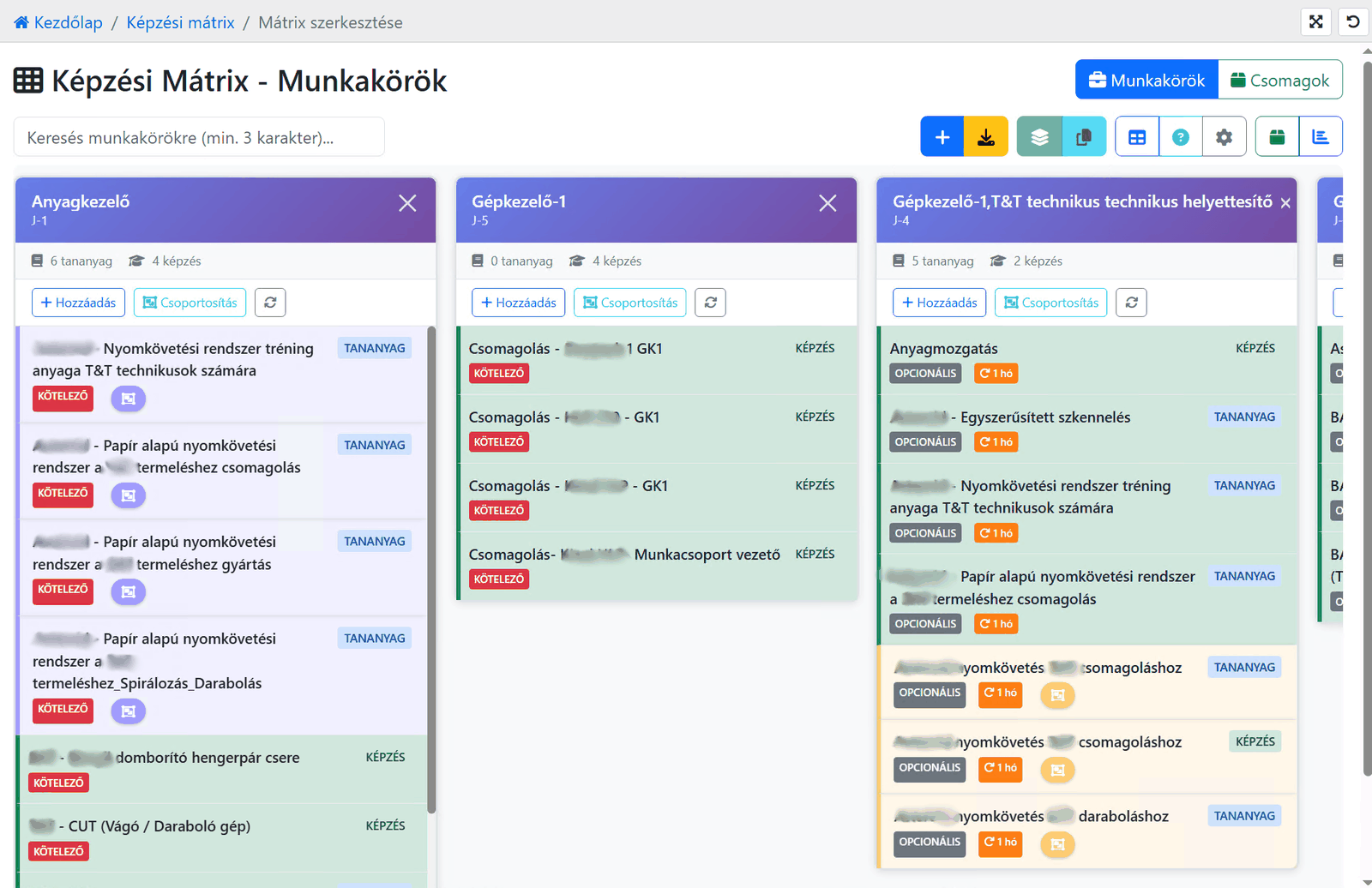
In the matrix you assign the mandatory trainings and learning materials to every role, and how long they stay valid.
As people complete their trainings, the system tracks what is valid, what expires soon and what has already expired.
Not just with their own role. It also works out how far each person is trained for the others. That is the percentage on the map.
Someone has to step in. But who has the forklift exam, the safety training and the warehouse procedures? There is no time to dig through spreadsheets.
You find out that a role depends on a single person exactly when that person is away.
Whoever already has most of the training for the new role needs the shortest retraining. You just need to know who that is.
Employees in rows, job roles in columns. Each cell shows what share of the role’s mandatory training the person holds and is still valid. Click a cell to see what is missing.
Names and data are fictional.
No estimates. The same rule you see on the employee’s profile.
For each job you set which courses and trainings are mandatory. The map checks every employee against it, including jobs they are not assigned to.
If a training’s recertification has expired, it does not count as done. Training that expires soon is flagged so it can be scheduled in time.
Where any one of several courses is enough, one completion is enough.
A slider decides what percentage makes someone ready. The map recolours instantly.
Where nobody outside the current job holders reaches the threshold. That is single-person risk, and now you see it in advance.
How many roles each employee is ready for. They are the team’s reserve.
Missing or expired training per employee and per role. That becomes the retraining plan.
What else are they ready for? Every role, sorted by completion.
Who is ready for it? A ranking of visible employees, current job holders marked.
A heatmap for the selected roles, also downloadable as a table that opens in Excel.
No. The map works from your existing job roles, the training matrix and the recorded completions. If the matrix is there, the map is ready to use.
The same as on the employee’s profile: for a course, the completion that fits its type (for example a passed exam); for classroom training, the recorded completion. Expired recertification does not count.
Only users with the permission switched on in their profile, and they only see the employees they can also see in the user list.
Yes. The heatmap downloads with one click as a table that opens in Excel.
For each job role, the list of mandatory and optional courses and trainings, with a recertification period where needed. In oneLearning it is edited per job role.
It pays off once you can no longer keep in your head who knows what: from a few dozen people upwards, and the more mandatory training you have, the more so.
If you already have a training matrix, the map is ready to use. If not, that is where we start.